Installing OpenBSD on the Pomera DM250
These are my notes and pre-built images for getting OpenBSD-current installed on the Pomera DM250, DM250X, DM250XY, and DM250US.

These are my notes and pre-built images for getting OpenBSD-current installed on the Pomera DM250, DM250X, DM250XY, and DM250US.
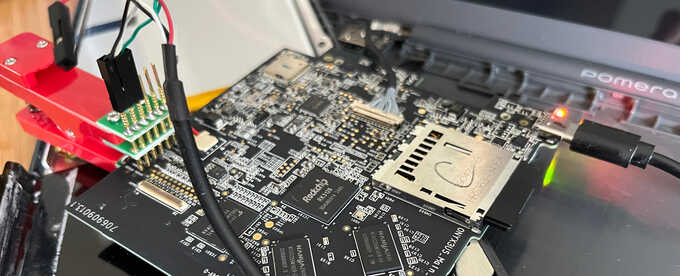
The KING JIM Pomera DM250 "digital typewriter" is a small Linux-powered ARM computer that boots up into a custom word processor application. I've been tinkering with it to try to get OpenBSD booted on it. I'd normally wait until the end and write up a proper article explaining everything, but this process is taking a lot longer than I expected so I figured I'd document it all as I go.
Lenovo has finally made a smaller version of its X1 Carbon, something I've been looking forward to for years.

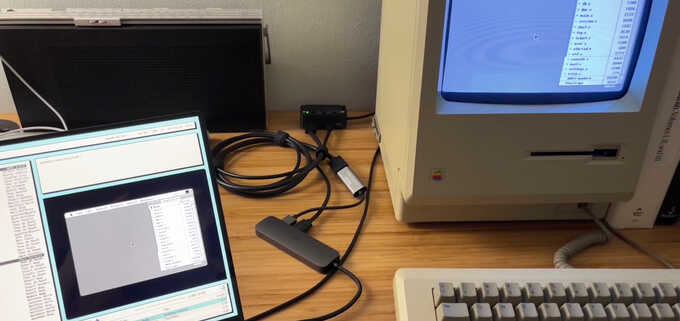
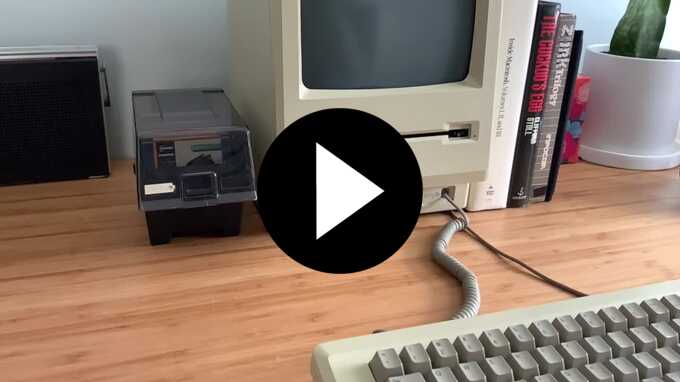
Since recording a handful of C Programming on System 6 videos, I've occasionally wanted to live-stream the more casual daily programming being done on my Macintosh Plus. After getting all of the pieces together, I now have a working self-hosted broadcasting setup.
If I happen to be programming on my Mac right now, you can watch here at my website.
I was trying to use a V4L2
Ruby module
on my OpenBSD laptop but ran into a problem where sending the V4L2 ioctls from
this module would fail, while other V4L2 programs on OpenBSD worked fine.
Since I got a few questions recently about kernel development and debugging, I thought I'd write up how I finally tracked it down and fixed it. (Spoiler: it was not an OpenBSD problem.)
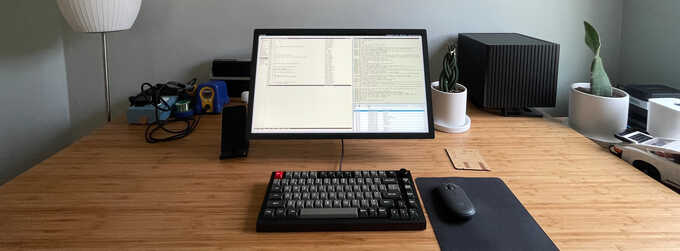
After the disappointment of my X1 Nano and learning that all future Intel "Evo"-branded laptops would lack S3 suspend, I started thinking about returning to my M1 MacBook full-time or building an OpenBSD desktop. I chose the latter, building my first desktop machine in many years.
I tweeted asking if anyone would be interested in a Q&A, and to my surprise, I got many Qs to A.
Framework is a new company offering a laptop that is designed to be repairable and upgradeable, both in terms of internal components like the screen and motherboard, and in pluggable expansion cards.
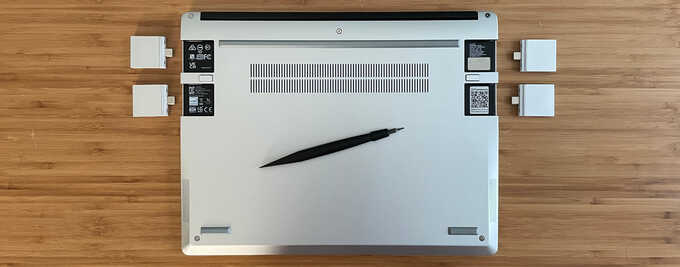
My old 2017 Huawei MateBook X has been my most reliable laptop and continued to be my daily-use workstation despite trying half a dozen others (and a desktop or two) in the past four years. Every time I'd try a new laptop, certain components wouldn't work properly, or the keyboard would feel strange, or the screen quality would be poor, or a constantly-running fan or some coil-whine noise would drive me nuts. And every time, I'd return to my trusty MateBook X and everything would just work silently.
I finally have a newer model of the MateBook X and I'm happy to say it lives up to its predecessor and has replaced my 2017 model.
Fifteen years ago, NetBSD's Bluetooth audio stack was
imported
into OpenBSD.
From what I remember using it back then, it worked sufficiently well but its
configuration was cumbersome.
It supported Bluetooth HID keyboards and mice, audio, and serial devices.
Six years ago, however, it was
tedu'd
due to conflicts with how it integrated into our kernel.
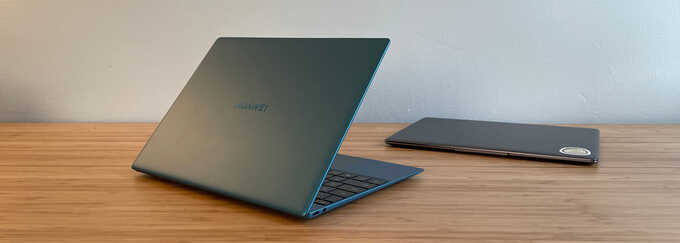
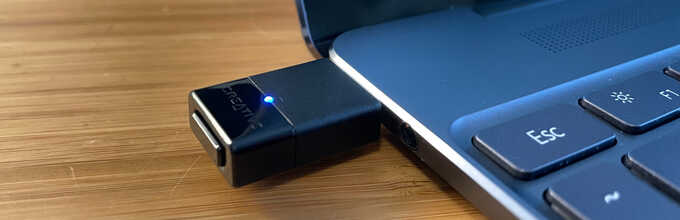
While we still have no Bluetooth support today, it is possible to play audio on Bluetooth headphones using a small hardware dongle.
In the
previous episode
I quickly ported OpenBSD's diff(1) but there wasn't any interface to select
files or scroll through the output.
I've since added a proper GUI with the ability to select files or folders, and
in this episode I walk through the GUI and filesystem code and then add a
proper Edit menu.
I also make a formal release of the code and binary available for download.

I've wanted a simple revision control system on my Mac since starting
development of my IMAP client.
Porting a large system like Git or even CVS would be overkill (and very slow),
but maybe something small like OpenBSD's
RCS
implementation would suffice.
For now, just having a diff utility would be helpful so in this video I port
the guts of
OpenBSD's diff(1)
and show it generating a unified diff between revisions of a C file.

Now that my Mac 512Ke is able to use PPP for native TCP/IP, I wanted an easy way to do PPP between it and an OpenBSD server on my network. I initially did this with a physical serial cable, but was later able to do it over TCP so I could retain the use of my WiFi232.
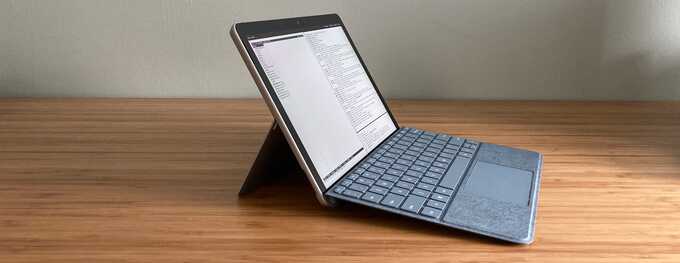
I used OpenBSD on the original Surface Go back in 2018 and many things worked with the big exception of the internal Atheros WiFi. This meant I had to keep it tethered to a USB-C dock for Ethernet or use a small USB-A WiFi dongle plugged into a less-than-small USB-A-to-USB-C adapter.
Microsoft has switched to Intel WiFi chips on their recent Surface devices, making the Surface Go 2 slightly more compatible with OpenBSD.
Back in 2017, I bought an Arduboy, a fun little Arduino development system which integrates an ATmega32U4 8-bit CPU, 32 KB of flash storage, 2 KB of RAM, a 128x64 pixel OLED display, some buttons, a speaker, and a battery in a Gameboy-like package.
OpenBSD had an
old Arduino package
available without the
Arduino IDE, and it instead included
a custom
Makefile
for end-users to build off of for compiling projects.
But it was all pretty old and crufty and kind of sucked the fun out of tinkering
with a new piece of hardware.