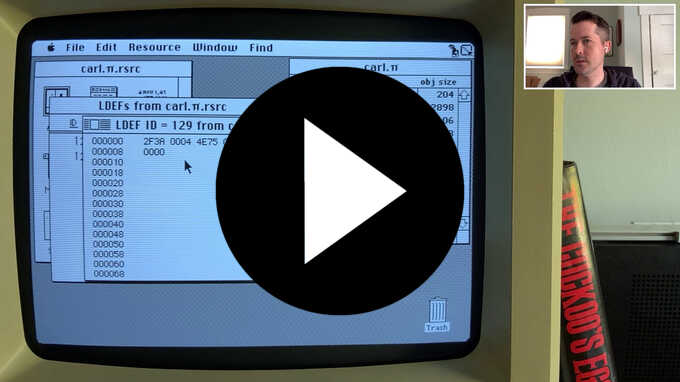
I recently read about using a jump instruction as an LDEF resource to allow
keeping the list definition function in the main program executable/project, so
in this video I implement the technique for the message list.
In this video, I get the list of messages displaying again and fix a bug that
occurred when closing a mailbox.
I provide a quick summary of creating LDEF procedures in THINK C for drawing
custom list cells, which I will expand upon on in a future video.
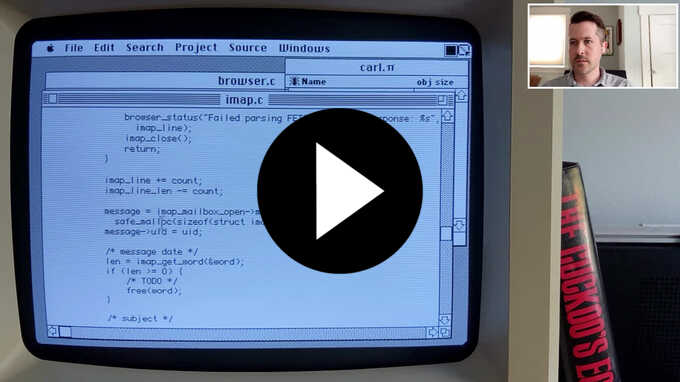
In this episode, I fix the off-by-one error in the IMAP envelope parser noted
in the previous episode, then improve the tracking of a malloced buffer that
gets shifted around during parsing.
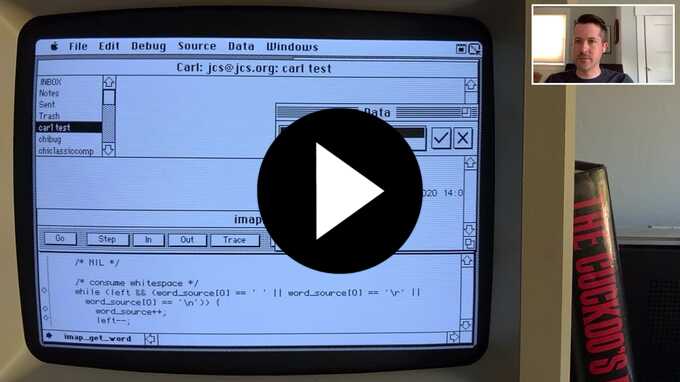
Returning to the development of my IMAP client, in this video I add
functionality to fetch the default mailbox name from the resource file (later to
be moved to a preferences window) and then eventually locate a crash in the IMAP
protocol parser from a bogus memmove.
In this video, I create a new GUI application from scratch, create a resource
file and add an image to it, and then display that image in a window.
I also cover using THINK C's debugger to inspect a struct.
Then, my Mac dies.
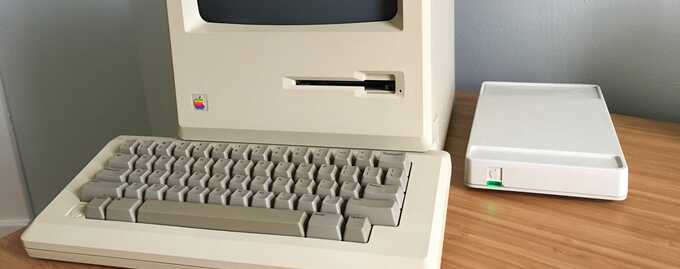
Now that my Mac 512Ke is able to use
PPP
for native TCP/IP, I wanted an easy way to do PPP between it and an OpenBSD
server on my network.
I initially did this with a physical serial cable, but was later able to do it
over TCP so I could retain the use of my
WiFi232.
Back in 2015, I
created a BBS
for
Lobsters
that worked in a web browser via WebSockets.
After getting an old Mac earlier this year, I wanted a way to access the BBS from
the Mac as natively as I could.
Adding telnet and SSH frontends to the BBS was not too difficult, but being able
to login from my Mac took a bit of work.
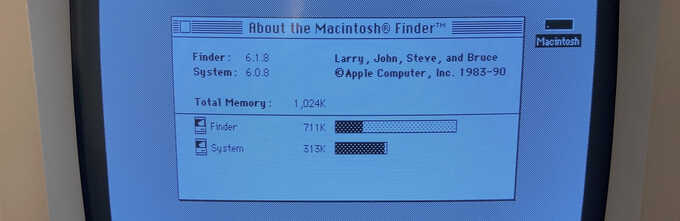
I recently came across an unused Dove Computer MacSnap RAM upgrade on eBay, so I
bought it and installed it in
my Mac 512Ke
to bring its RAM up to 1 MB.
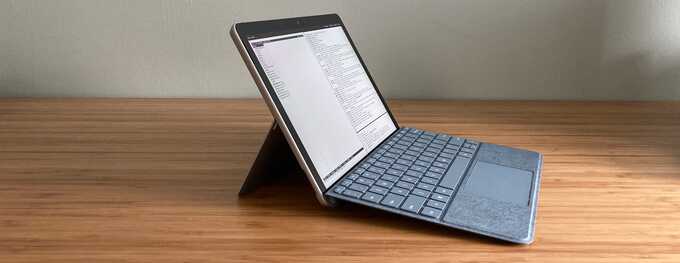
I used OpenBSD on the
original Surface Go
back in 2018 and many things worked with the big exception of the internal
Atheros WiFi.
This meant I had to keep it tethered to a USB-C dock for Ethernet or use
a small USB-A WiFi dongle plugged into a less-than-small USB-A-to-USB-C adapter.
Microsoft has switched to Intel WiFi chips on their recent Surface devices,
making the Surface Go 2 slightly more compatible with OpenBSD.
Last year I
wrote about the Cidco MailStation
and how I was using it as a Z80 development platform.
One of the biggest hurdles to running code on them is that it must be
uploaded over the MailStation's parallel port with a LapLink cable and some
custom software (although it's certainly easier than having to pull and
flash a chip).
I recently created a USB data loader device that allows for easier development
from a modern computer and implements the MailStation's custom data encoding
routines in its firmware.
Back in 2017, I bought an
Arduboy,
a fun little Arduino development system which integrates an ATmega32U4 8-bit
CPU, 32 KB of flash storage, 2 KB of RAM, a 128x64 pixel OLED display,
some buttons, a speaker, and a battery in a Gameboy-like package.
OpenBSD had an
old Arduino package
available without the
Arduino IDE, and it instead included
a custom
Makefile
for end-users to build off of for compiling projects.
But it was all pretty old and crufty and kind of sucked the fun out of tinkering
with a new piece of hardware.
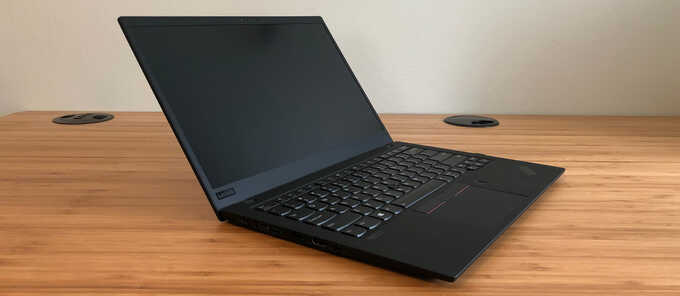
For two years I've been driving myself crazy trying to figure out the source of
a driver problem on OpenBSD: interrupts never arrived for certain touchpad
devices. While debugging an unrelated issue over the weekend, I finally solved
it.
It's been a long journey and it's a technical tale, but here it is.
On July 4th, 2018, I reported a security/privacy problem to Apple regarding the
firmware on its
now-discontinued
AirPort wireless access points.
Per
Apple's website,
a "factory-default reset" of an AirPort should
"remove any saved configurations and profiles"
and should be sufficient for
"selling or giving away your base station".
On at least AirPort Extreme AP firmware 7.7.9 and AirPort Express firmware 7.6.9
(the newest available for each device at the time of reporting), a
"factory-default" reset just moves the configuration file to a new location on the
device, and the old file and up to two additional previous configurations remain
accessible on the device.
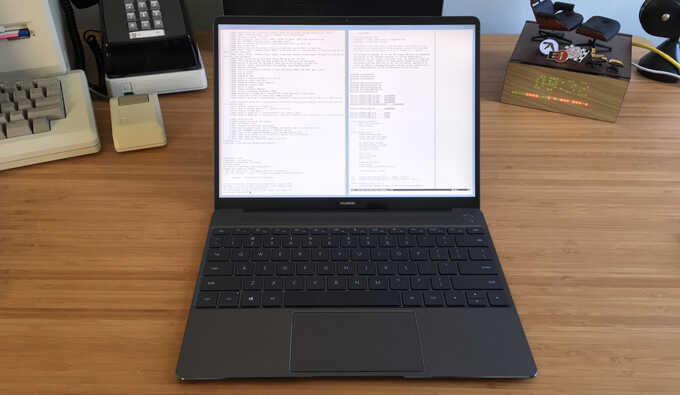
The
Huawei MateBook X
is a high-quality 13" ultra-thin laptop with a fanless Core i5 processor.
It is obviously biting the design of the
Apple 12" MacBook,
but it does have some notable improvements such as a slightly larger screen, a
more usable keyboard with adequate key travel, and 2 USB-C ports.
It also uses more standard PC components than the MacBook, such as a
PS/2-connected keyboard, Intel WiFi card, etc., so its OpenBSD compatibility is
quite good.